

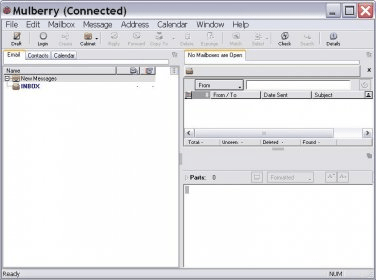
Mulberry is an easy-to-use email client that allows utilizing IMAP and POP3 email accounts for receiving messages and SMTP for sending emails. When creating a new message it is possible to attach files, check spelling, utilize a signature, and encrypt the information. It supports Unicode characters. Besides standing for email client, you can create, import or export addresses from the "Contacts" tab and schedule events from the "Calendar" tab. From the inbox you can sort the messages descending/ascending with any of the columns. You can utilize the Quick search option to find easily any contact or look for text in messages. One function I liked very much is that you can drag and drop items in order to attach files, select text and addresses and drag from one place to another. Also the program allows you to configure the buttons from the Toolbar. If you are very used to the keyboard there are many shortcuts that can be utilized, and can also be configured. OS supported: Linux, Mac, and Windows.





Comments